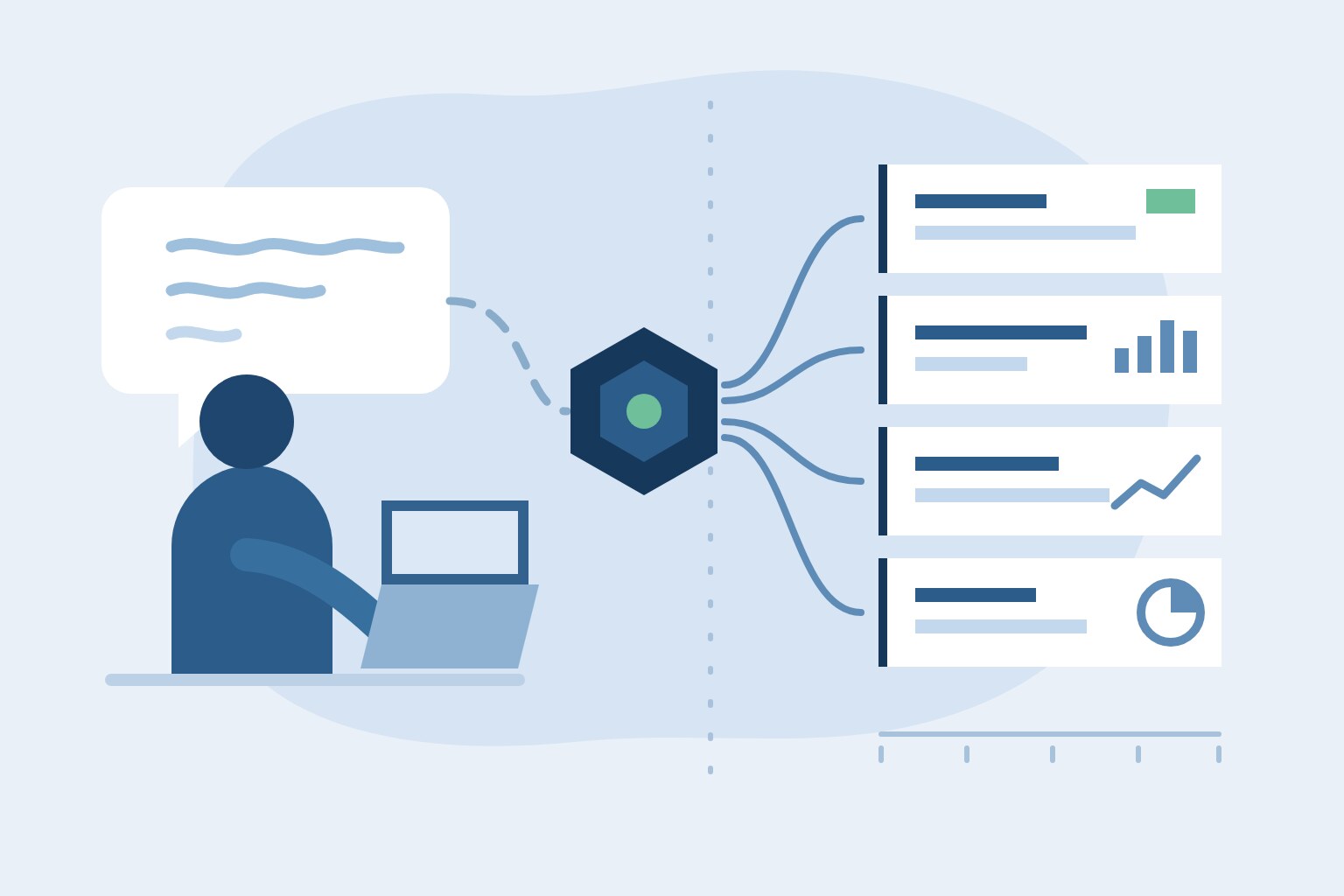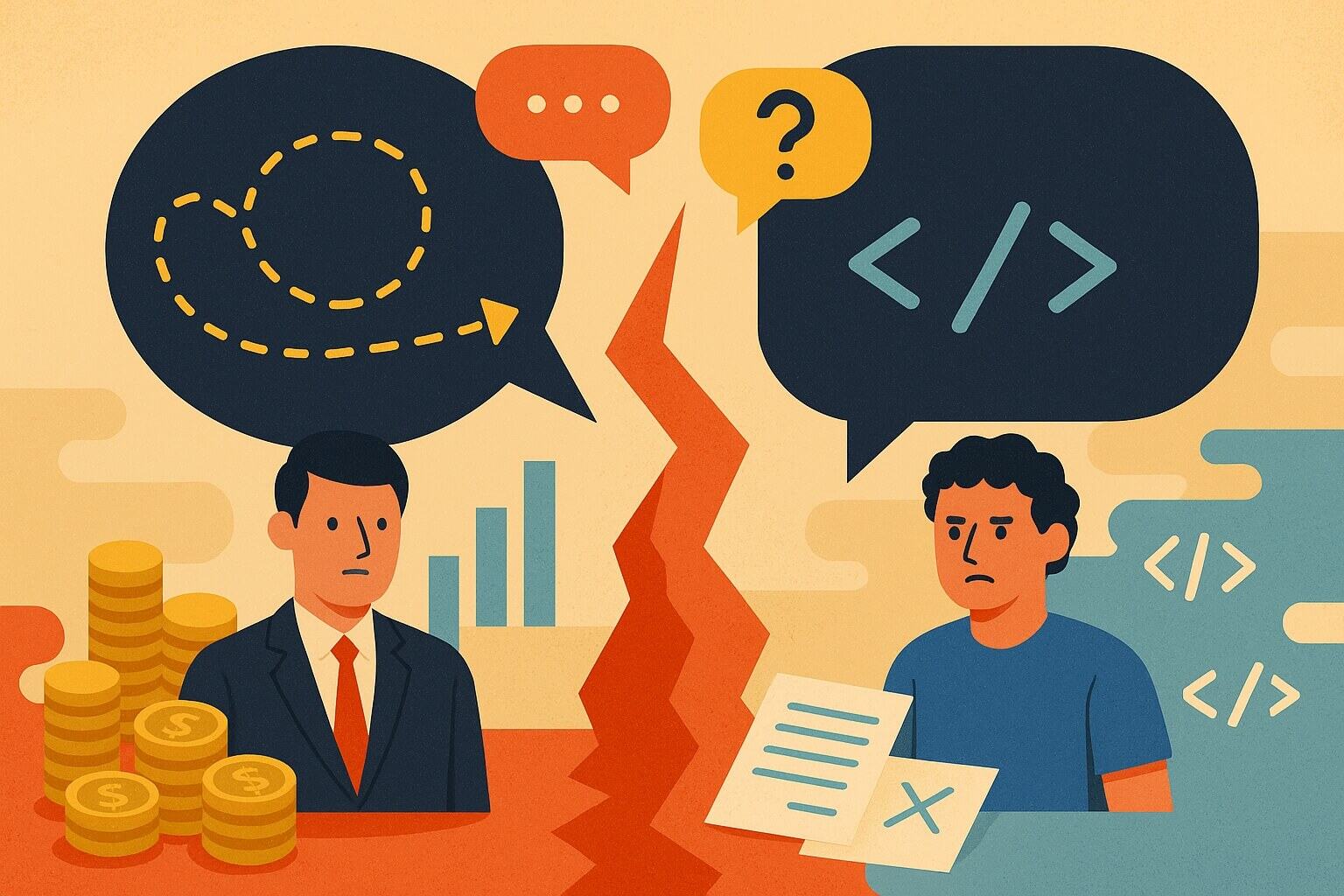
Using AI to write code is often called "vibe-coding," but I've found a more accurate term for it: delegation.
This mental shift has made me hyper-aware of my word choice and delivery. As a leader, I've always known that clear, precise communication is key to effective delegation.
Think about it this way: How would you write a Jira ticket for yourself? A few vague bullet points would probably be enough. Now, how would you write that same ticket for a junior engineer-one who habitually asks for confirmation at each step? If you're like me, you'd add as much detail as possible to prevent a flood of unnecessary Slack messages.
The same exact principle applies to AI. Ambiguity is your enemy. You must be very clear in your instructions to the model, otherwise you may end up with a completely different outcome than you expected.
A Lesson in Precision
This lesson was driven home for me earlier in the year. I led the first AI integration initiative for my employer. Our internal team wasn't as experienced with building large-scale AI tools, so we made the strategic decision to contract the work to a third party.
Following the initial handoff, I became responsible for the core development. This is where the theory met reality. Between analyzing the contractor's work and getting completely wrong outputs when using LLMs for my own tasks, I became intensely focused on how I wrote my prompts.
The details matter. In one instance, I was asked to make a change to exclude words and phrases that could be perceived as negative, such as "extremely poor performance." I asked the LLM to exclude this phrase-only for it to be replaced by another, very similar phrase.
The AI didn't understand the intent. It just followed my literal instruction. It was a perfect, low-stakes example of a critical concept: the tool is just a tool. It doesn't have business context or nuanced understanding. It's on me to provide that.
My Evolving Workflow
After that experience, I changed my entire approach. I now utilize AI tools for virtually all aspects of my day-to-day. My productivity has increased, and I feel I can move much faster from concept to execution.
But I don't just write a single "perfect prompt." My process has become conversational. I often use a specialized LLM to take my raw thoughts and consolidate them into comprehensive prompts that are detailed, organized, and optimized for consumption by agents. I am, in effect, using AI to help me delegate to other AI.
This allows me to iterate at a speed I couldn't have imagined a few years ago. But this speed comes with a critical, non-negotiable warning.
Validation is Your Responsibility
You cannot blindly accept whatever code is generated. This is the part of the workflow that separates a senior engineer from a novice. LLMs make mistakes-that's why they all have disclaimers.
I have seen this repeatedly. There have been many times where an agent, given a complex feature, will go completely down the wrong path. It will try to use incorrect commands, generate code with syntax errors, or just fundamentally misunderstand the requirements. I've had to catch serious bugs and typos mid-workflow and stop the agent.
The AI is a tool. It is delegating the typing, not the thinking.
As a senior engineer, my job has shifted. I spend less time writing boilerplate and more time architecting and validating. This new workflow requires a new, disciplined validation framework.
Here is the simple process I follow:
- Keep Iterations Small. I don't ask an agent to build an entire application. I break the problem down and and have it build one small piece at a time. This way, I don't have to review a massive, unmanageable changeset.
- Require Test Coverage. I make writing tests a core part of the requirement. If the AI generates a function, it must also generate the unit tests for that function.
- Manually Review Everything. I manually review the tests first, then I check the code. This ensures the tests are valid and that the code actually does what it's supposed to do.
- Observe Interactively. When possible, like when using GitHub Copilot, I watch the model interactively make the changes. This allows me to catch errors in real-time, before they become part of the codebase.
This technology doesn't replace expertise; it makes it more critical than ever. My experience is what allows me to spot the subtle bug in the code the AI wrote in seconds. That's the new skill: not just knowing how to delegate, but knowing how to inspect the work.